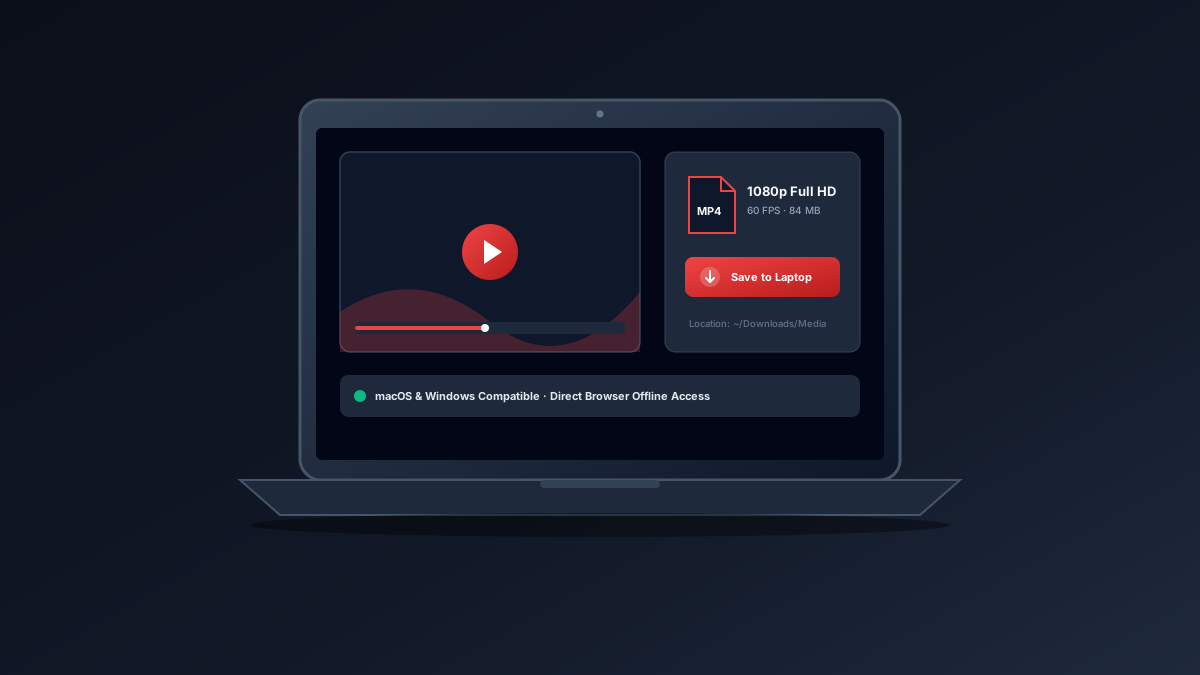
Desktop Guides
Read Guide How to Download a YouTube Video on a Laptop (Windows & Mac)
Step-by-step guidance for Windows, macOS, and Chromebook laptop owners on viewing content offline, exporting personal uploads, and format compatibility.
A YouTube downloader is a specialized software tool or web service that reads a public video webpage, identifies the direct audio and video media streams hosted on content delivery networks (CDNs), and packages them into a standalone file (like an MP4 or MP3) so users can view or listen to authorized media without an active internet connection.
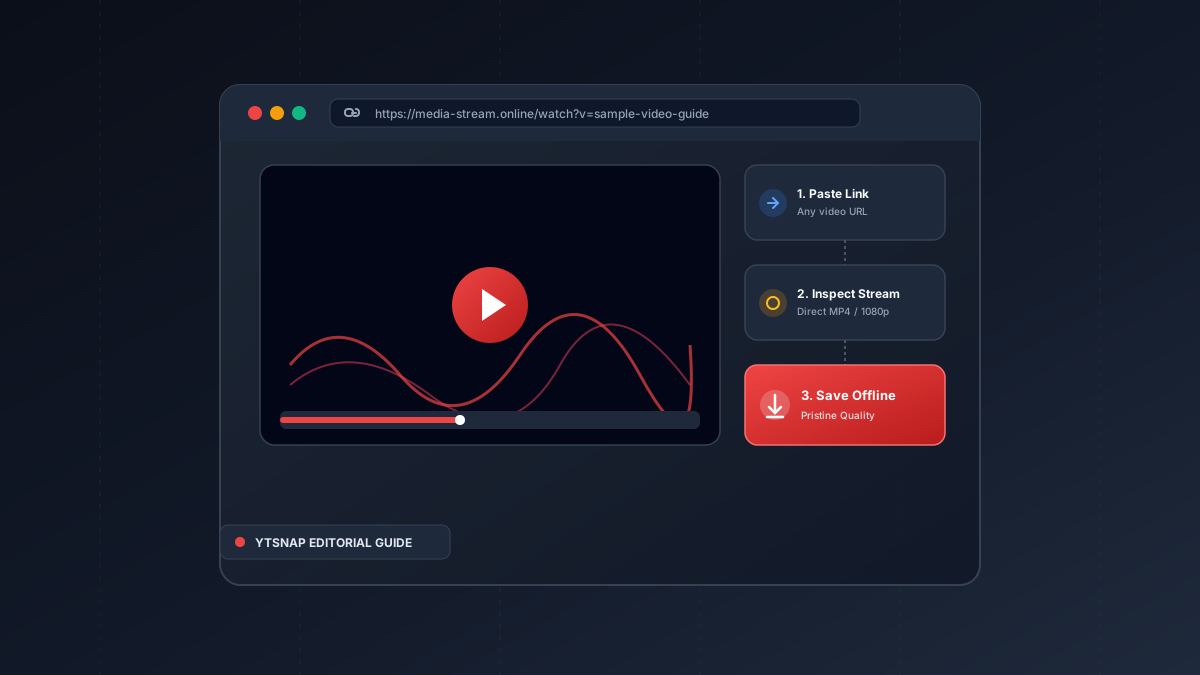
When you watch a video on the internet, your web browser continuously streams media chunks through adaptive streaming protocols such as DASH or HLS. A YouTube downloader inspects that video presentation, locates the high-definition video track and stereo audio track, muxes them together, and delivers a unified MP4 container directly to your device storage.
Paste a link & save any video, reel, audio, photo, or story in full HD 1080p.
No. Modern platforms like YTSnap run 100% inside your web browser without installing executables.
Step-by-step guidance for Windows, macOS, and Chromebook laptop owners on viewing content offline, exporting personal uploads, and format compatibility.
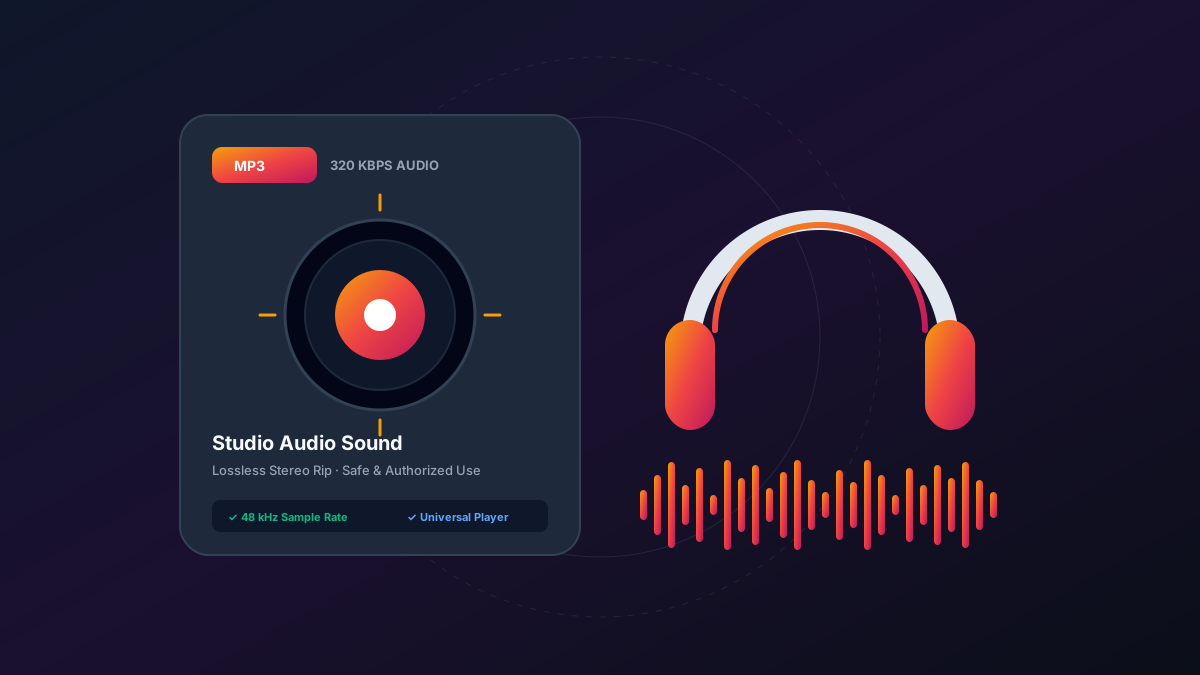
An authoritative technical guide explaining MP3 audio extraction, bitrates, lossless codecs, and legal considerations for podcasts and soundtracks.