
YouTube Basics
Read Guide What Is a YT Downloader? How It Works and When to Use One
A beginner-friendly guide explaining what online video downloaders do, how streaming protocols differ from direct file saving, and lawful use cases.
To save authorized videos on an iPhone, visit YTSnap in Safari, download the MP4 file to your iOS Files app, then open the file and tap Share > Save Video to export it directly into your Photos camera roll.
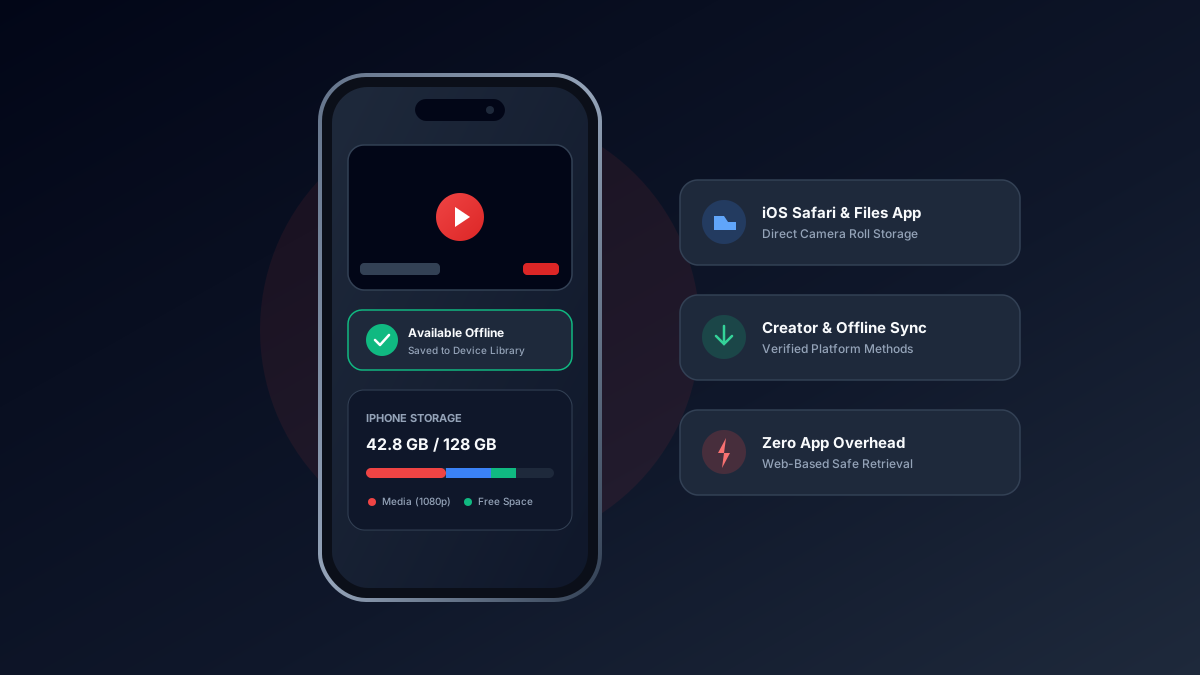
In Safari on iOS 16, 17, or 18, tap Download, tap the circular blue download icon in Safari, and select Save Video.
Paste a link & save any video, reel, audio, photo, or story in full HD 1080p.
By default, downloaded files are saved into the "Downloads" folder inside the Apple Files app.
A beginner-friendly guide explaining what online video downloaders do, how streaming protocols differ from direct file saving, and lawful use cases.