YouTube Basics
Read Guide What Is a YT Downloader? How It Works and When to Use One
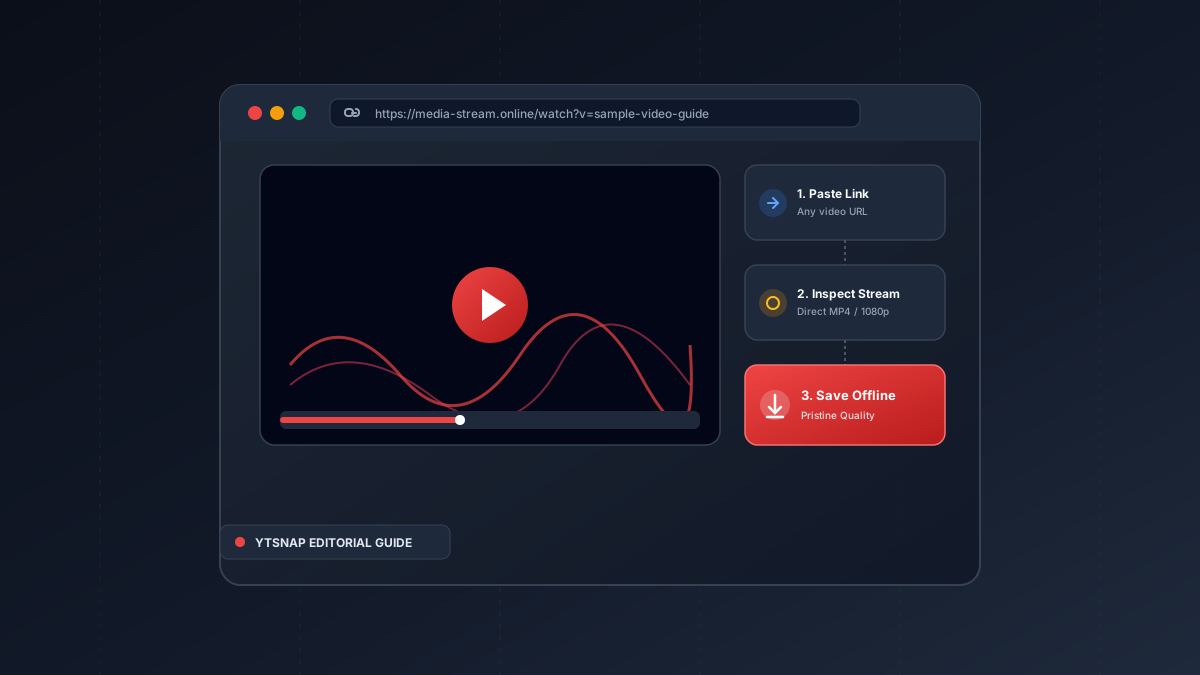
A beginner-friendly guide explaining what online video downloaders do, how streaming protocols differ from direct file saving, and lawful use cases.
On Windows and Mac laptops, use YTSnap directly in Chrome, Edge, or Safari to save 1080p Full HD MP4 files into your Downloads directory without installing third-party executable software.

Content creators can recover original uploads by logging into YouTube Studio > Content > Options > Download.
Paste a link & save any video, reel, audio, photo, or story in full HD 1080p.
Playing local video files with hardware-accelerated players consumes significantly less battery than active Wi-Fi streaming.
A beginner-friendly guide explaining what online video downloaders do, how streaming protocols differ from direct file saving, and lawful use cases.